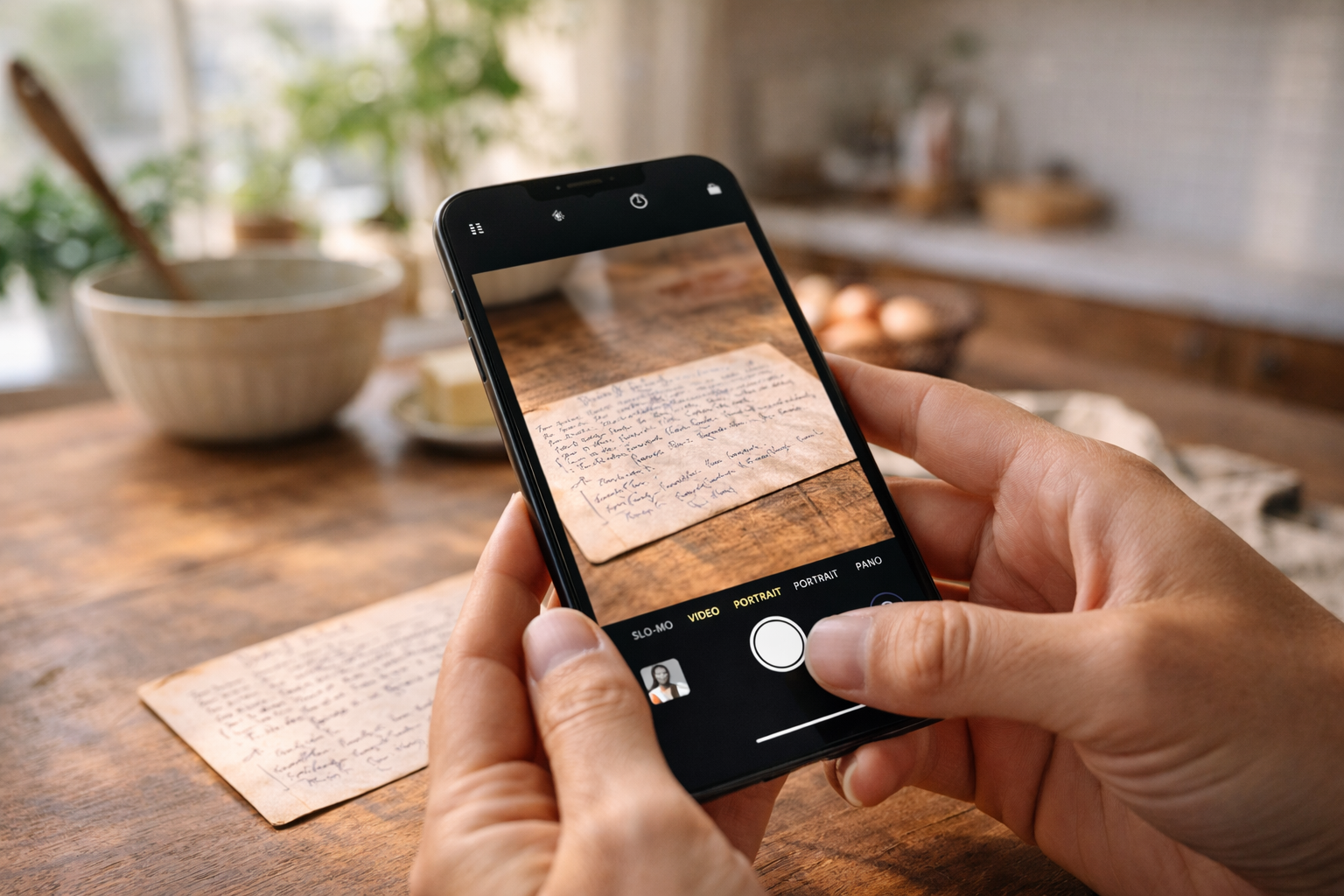
How to Scan Recipe Cards With Your Phone and Keep Them Organized
A practical phone-scanning workflow for capturing recipe cards cleanly, preserving handwritten details, and turning photos into usable recipes.
Best starting point
Use the app to turn the photo into a usable recipe, then use this guide to protect the details.
Recipes We Share keeps the original card, AI-extracted ingredients, cleaned-up directions, notes, and family context together so the work does not split across camera rolls, notes apps, and spreadsheets.
In Recipes We Share
- Upload the card or cookbook page from your phone.
- Review the extracted ingredients, steps, timing, and yield.
- Save the original image beside the polished recipe card.
What this guide helps you decide
- How to photograph the card cleanly.
- Which details still need a human check.
- How to avoid losing handwriting, edits, and story.
Most families do not need a dedicated scanner to start preserving recipes. A phone is usually enough. The bigger risk is what happens after the photo is taken: it lands in a camera roll, gets mixed with vacation pictures, and never becomes a recipe anyone can search or cook from.
The best workflow is simple: capture the card, upload it into Recipes We Share, review the AI-extracted ingredients and steps, and keep the original image attached to the clean recipe. The phone does the capture work; the app turns that capture into a durable family record.
This guide still matters because the app can only work with what you give it. A better photo produces better extraction, easier review, and a more trustworthy archive.
Start with the right capture conditions
Spend thirty seconds setting up the card before you take the picture. Put it on a flat, non-glossy surface with good contrast. Neutral counters, matte cutting boards, or a sheet of plain paper all work well. Use indirect daylight or soft indoor light so the handwriting is bright without glare.
Avoid:
- shadows from your hand or phone
- glare from overhead lights
- angled photos that distort the card
- crops that cut off edges, notes, or the back of the card
- heavy filters that make the card look dramatic but harder to read
Hold the phone directly above the card and capture the full object, including paper edges. If the back has notes, photograph the back too. If the recipe includes a clipped newspaper piece, sticky note, envelope, or later correction, capture those as part of the same recipe set.
Do not clean away the evidence
The goal is readability, not restoration. Many families accidentally remove the exact details they meant to preserve: crossed-out measurements, margin notes, stains that show which card was used every holiday, or a second person's handwriting.
Good cleanup is modest:
- straighten the image
- crop excess table surface
- improve contrast enough to read faint ink
- keep the whole card visible
- preserve edits, stains, tape, and annotations
Avoid aggressive background removal, oversharpening, and high-contrast filters that destroy subtle pencil or faded ink. A family recipe card is both an instruction sheet and a source artifact.
Upload in small batches
Do not scan a hundred cards and promise to organize them later. That creates a second mess.
Use a small batch rhythm:
- Photograph 10 to 20 cards.
- Upload the most important cards into Recipes We Share.
- Review the extracted recipe fields.
- Attach the original image and any back-side notes.
- Add a collection or tag before moving to the next batch.
Small batches create finished recipes instead of a backlog of unlabeled images. They also make the process more satisfying because you can see the cookbook becoming useful immediately.
Name recipes for humans, not file systems
If you keep backup files outside the app, use names another family member can understand. A hundred files named IMG_4832 are not an archive.
Use simple names like:
grandma-anne-pecan-pie-frontgrandma-anne-pecan-pie-backthanksgiving-stuffing-original-cardaunt-linda-apple-pie-margin-notes
Inside Recipes We Share, use readable recipe titles first. "Grandma Anne's Pecan Pie" is better than "Pie 1978" because a cousin can find it without knowing your filing system.
Keep the original and the clean recipe together
This is where phone-only systems fail. A photo in one folder and a typed recipe in another place will eventually drift apart. Months later, no one knows whether the clean version came from that exact card, whether the handwriting was reviewed, or whether the back of the card was ever saved.
Treat each recipe as one record with two layers:
- the original image or scan
- the structured recipe people cook from
That pairing gives you sentiment and usefulness. The handwriting stays preserved while the clean recipe becomes searchable, shareable, and easy to read in the kitchen.
Add the details the camera cannot explain
A phone photo preserves the card, but it does not preserve interpretation. If the card says "bake until done," future cooks still need to know what "done" means.
As you review each scan, add practical notes:
- actual bake time
- pan size
- ingredient brands that matter
- substitutions the family really uses
- which holiday or person the recipe belongs to
- common mistakes people make
Ask relatives while the answer is still easy to get. The photo captures the artifact. The family supplies the missing knowledge.
What a strong phone-scanning workflow produces
After each batch, you should be able to answer yes to these questions:
- Is the original image saved with the recipe?
- Can someone cook from the clean version without squinting at a photo?
- Did you preserve handwritten edits and back-side notes?
- Can another family member find the recipe by name, person, holiday, or collection?
- Are unclear details flagged for follow-up?
If yes, your phone is doing exactly what it needs to do. You do not need perfect equipment. You need a process that turns quick captures into a living cookbook your family can actually use.
Make the scanning step easier
Use Recipes We Share to go from photo to usable recipe card
Instead of managing phone photos, manual notes, and cleanup steps in separate places, upload the recipe once and keep the original image, extracted text, and polished digital version together.
- Upload one recipe photo or a full batch from your phone
- Keep the handwritten original attached to the clean recipe
- Edit the extracted ingredients and steps in one place
On this page
Related posts
More articles in guides to keep the momentum going.
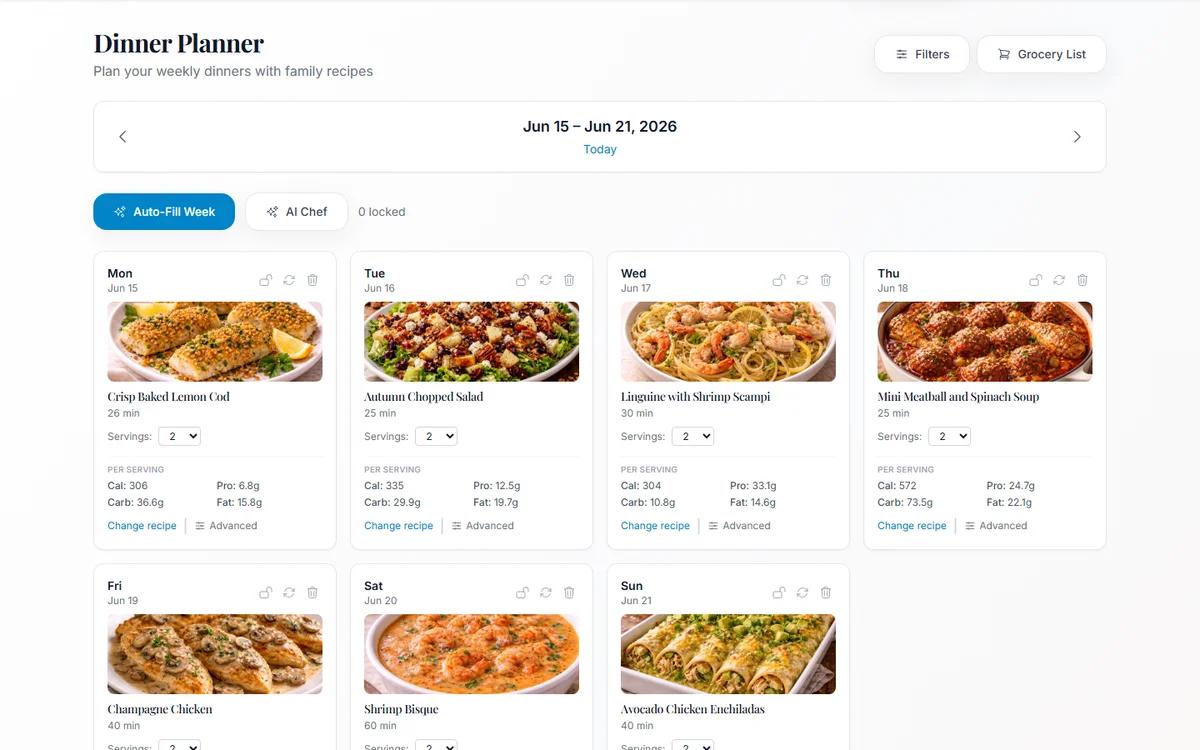
How to Use Family Recipes for Meal Planning, Nutrition, and Grocery Lists
Preserve recipes once, then use them for weekly dinner planning, nutrition context, serving adjustments, and grocery lists.
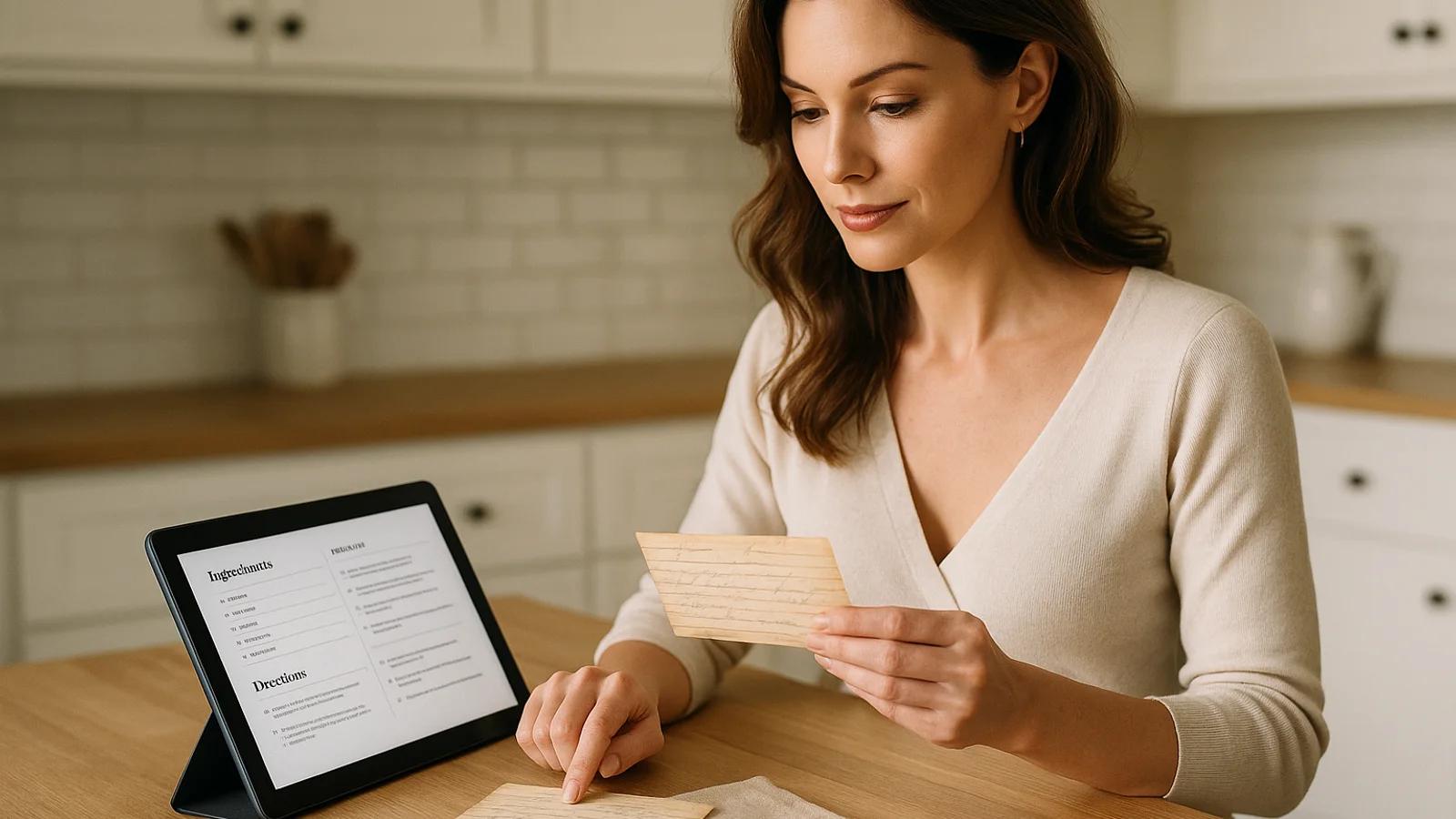
How to Digitize Handwritten Family Recipes Without Losing the Story
A complete workflow for turning handwritten recipe cards into searchable, shareable recipes while preserving the original card, notes, and family story.
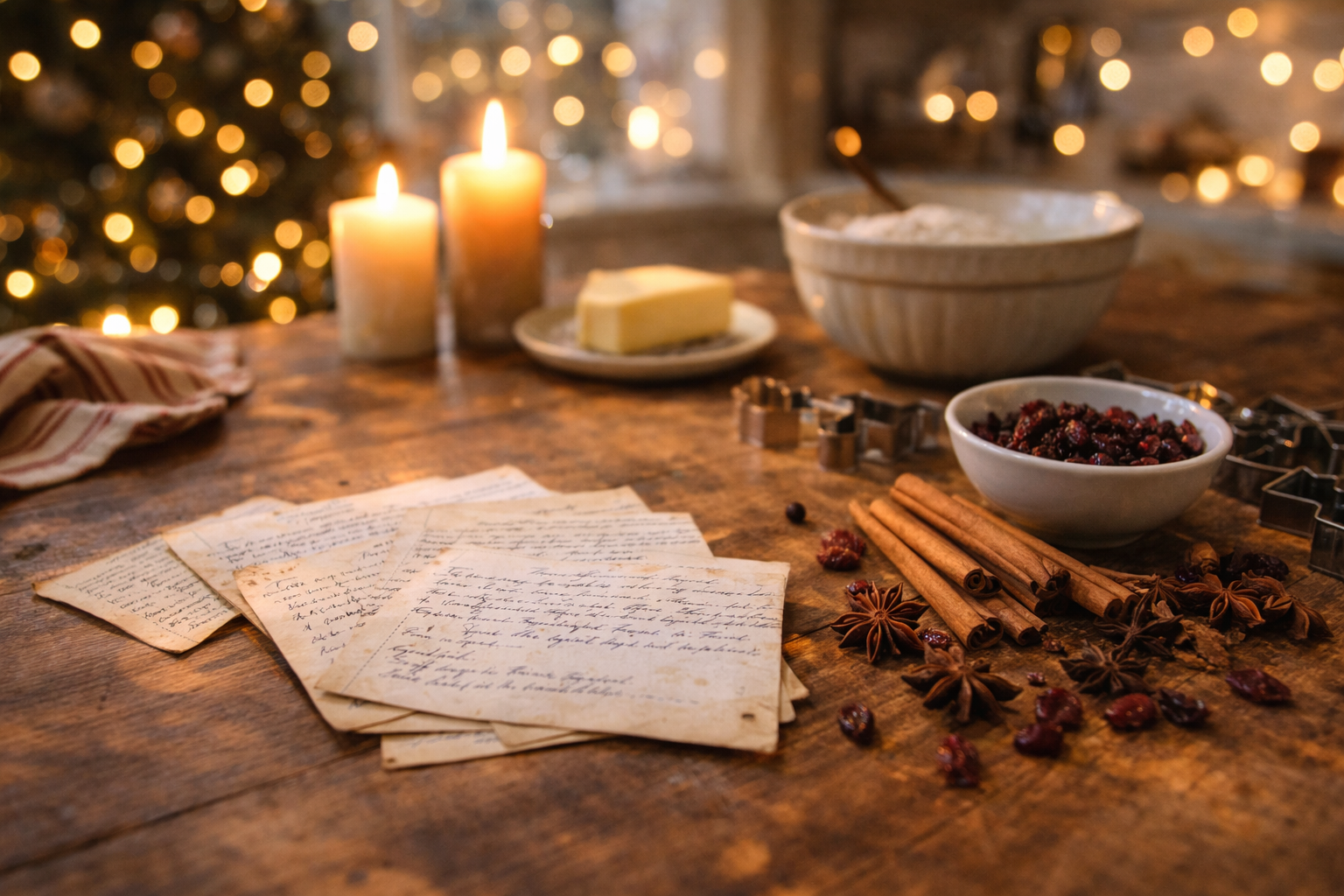
Which Holiday Recipes Should You Digitize First?
Start with the holiday recipes most at risk: the dishes tied to one person, handwritten edits, annual gatherings, and family memory.