
The cookbook your whole family writes together.
- Connect your family, wherever they live.Invite relatives to add their favorites and build something together.
- Let AI do the typing.Snap a handwritten recipe card or paste a recipe link—we turn it into an editable recipe.
- Pass down more than ingredients.Keep the original handwriting, the cook’s name, and the stories behind each dish.
One subscription covers the whole family.
Everyone gets their own login—no separate subscriptions.
Find the right plan for your family size- Free plan
- No credit card
- iPhone and web


How it works
From a handwritten card to your family cookbook.
Photograph the card, front and back
Use your phone to photograph one or both sides. Recipes We Share reads the handwriting, so there's nothing to type.
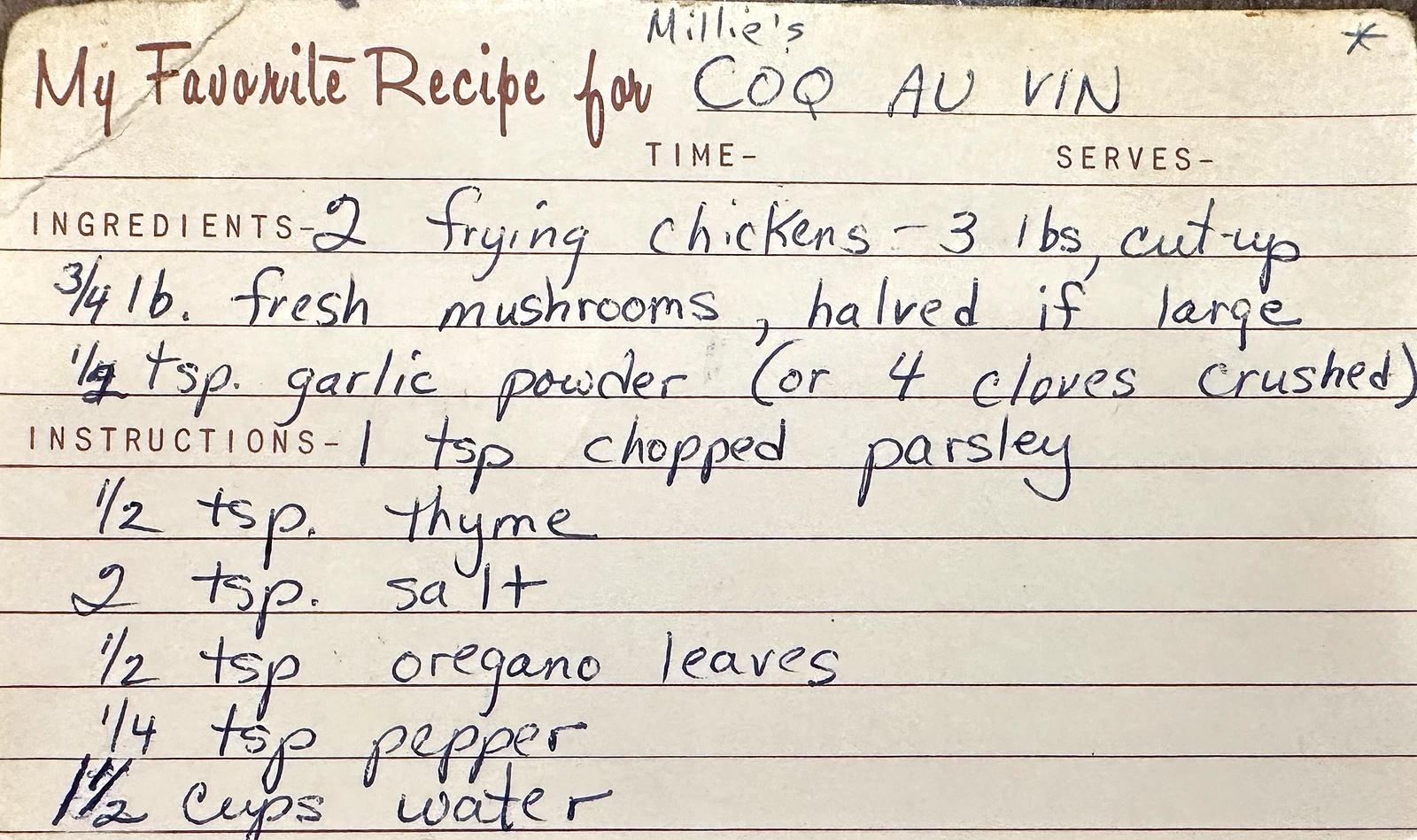
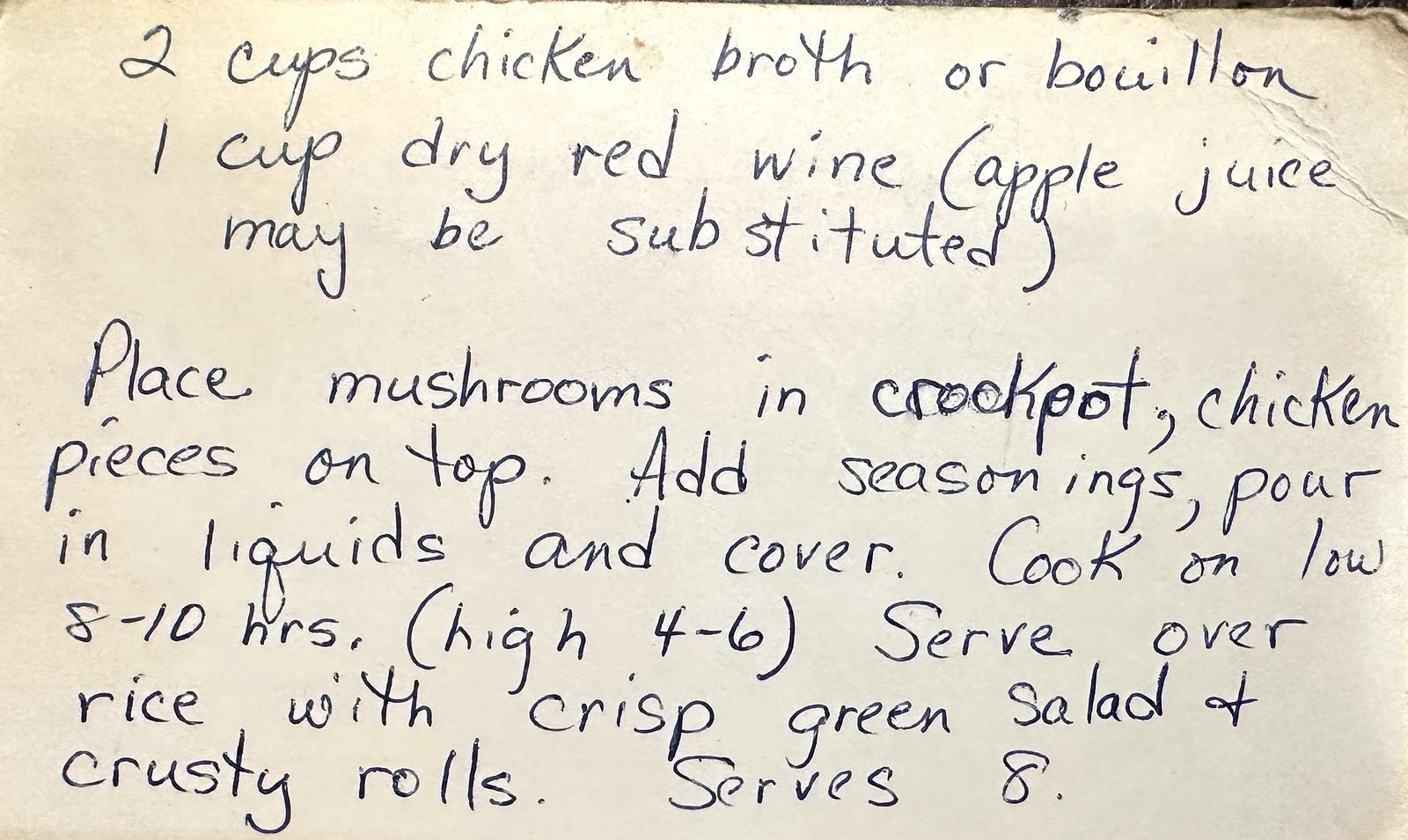
Try it on one of your own cards, free and with no account, or see how to digitize handwritten recipes.
From “I saved this” to “we make this.”
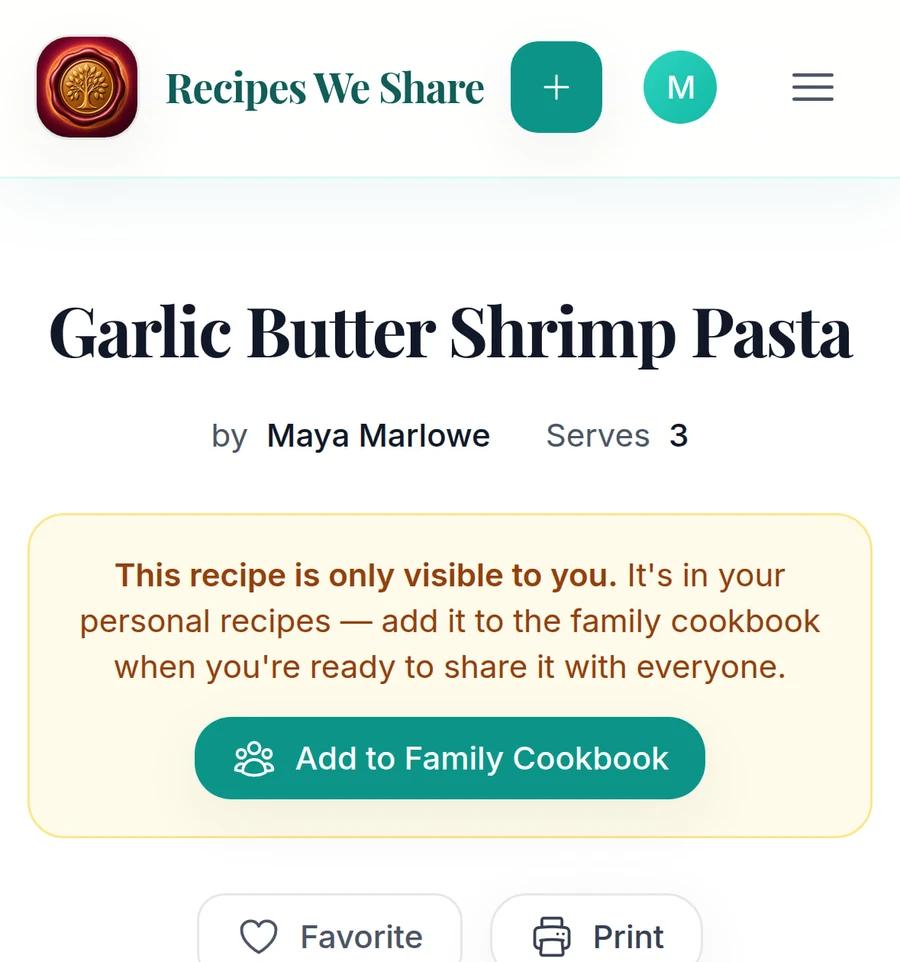
Recipes shouldn't disappear into a digital junk drawer. Keep new finds on your personal shelf, then share the keepers in your family cookbook.
Import recipe links from
- TikTok
- YouTube
- Websites
More than a recipe
The ingredients make the dish. The stories make it yours.
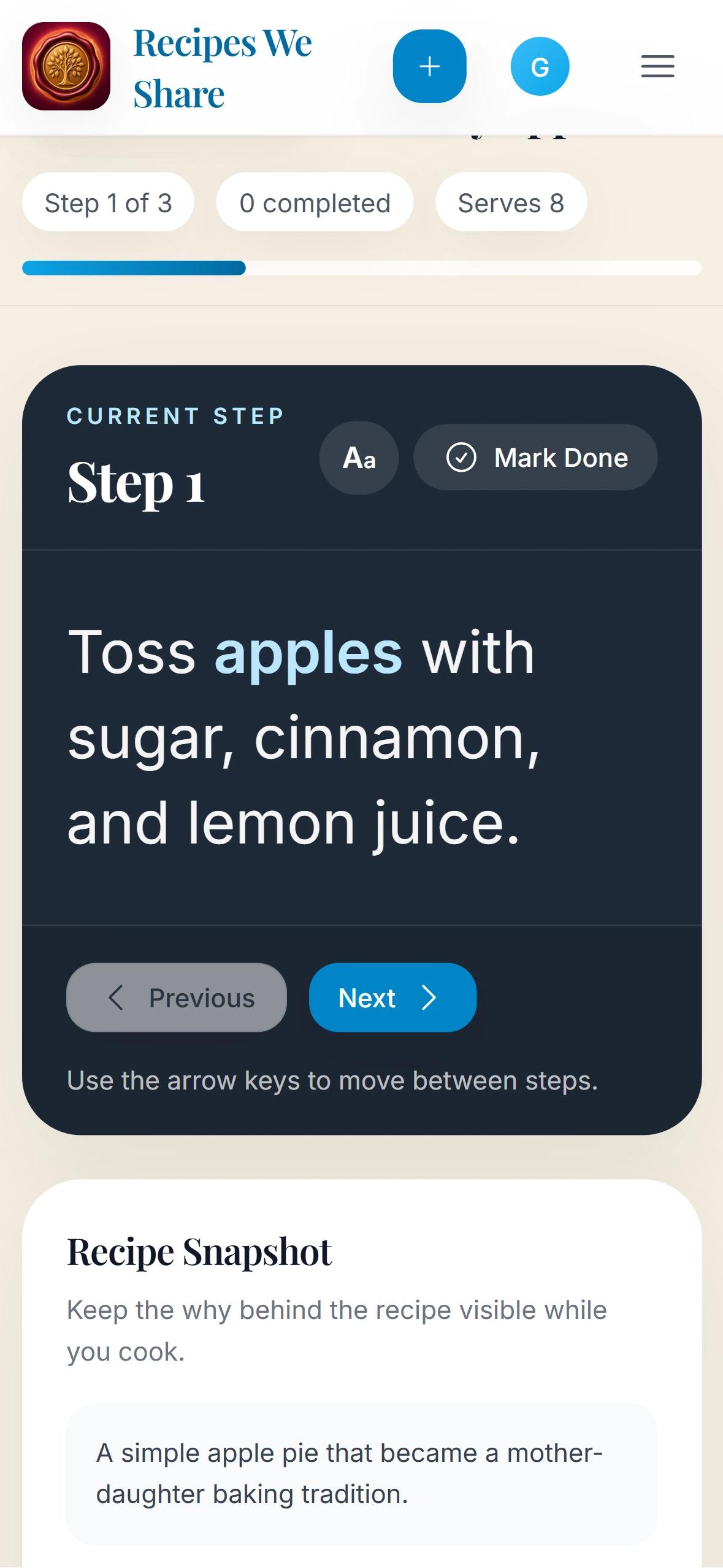
Keep the people and moments behind your family's food — the photos, the notes, and the cook it came from — right alongside the recipe.
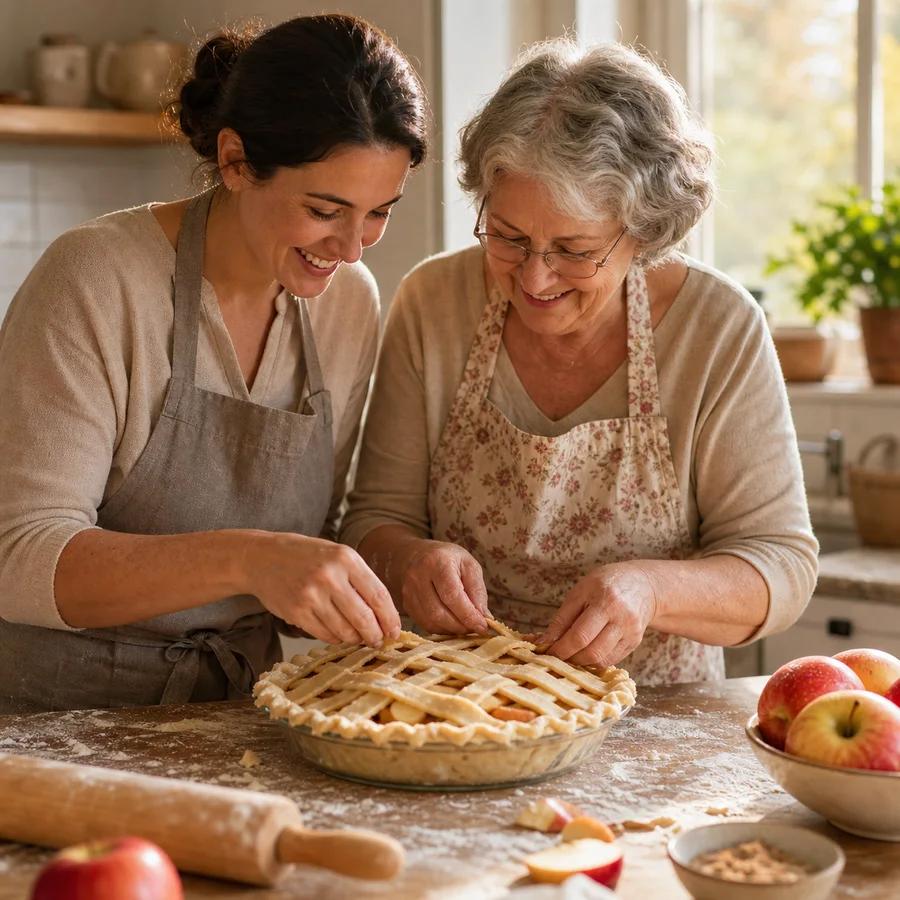
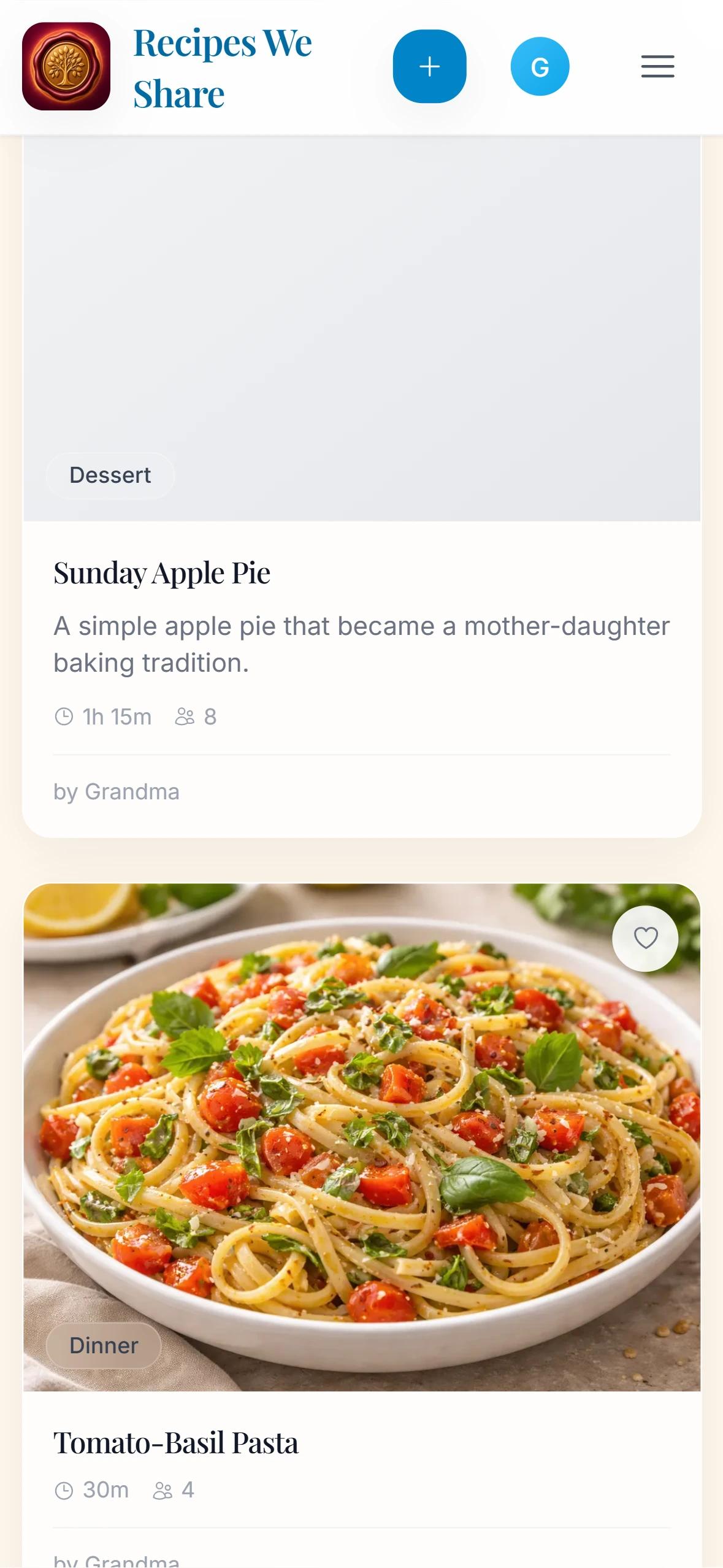
Grandma's Apple Pie
12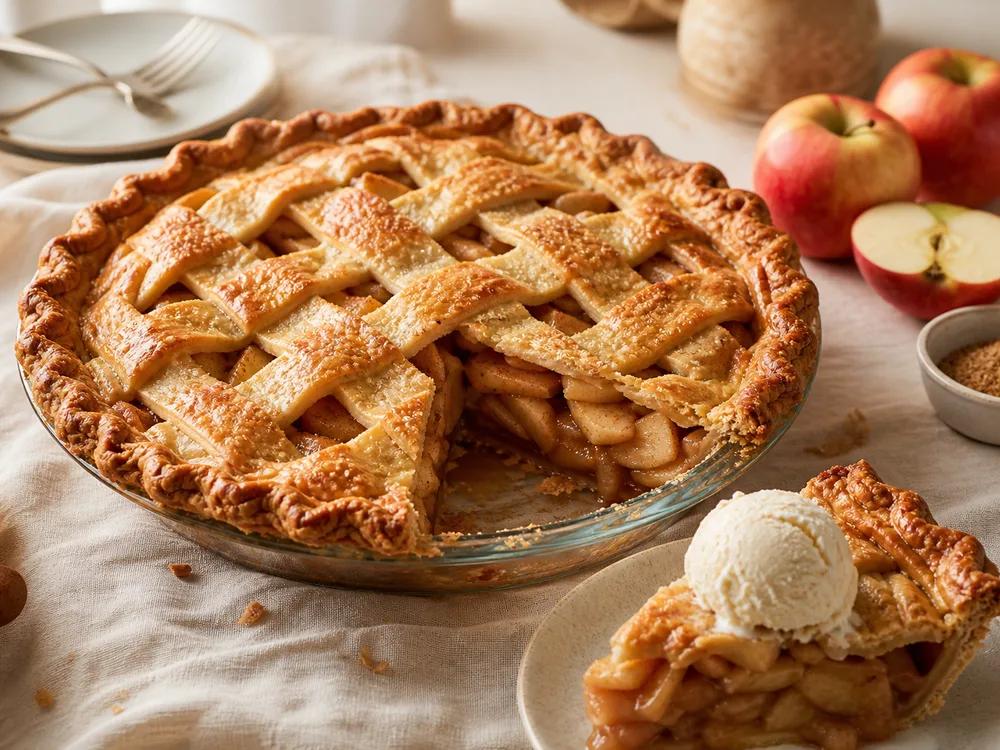
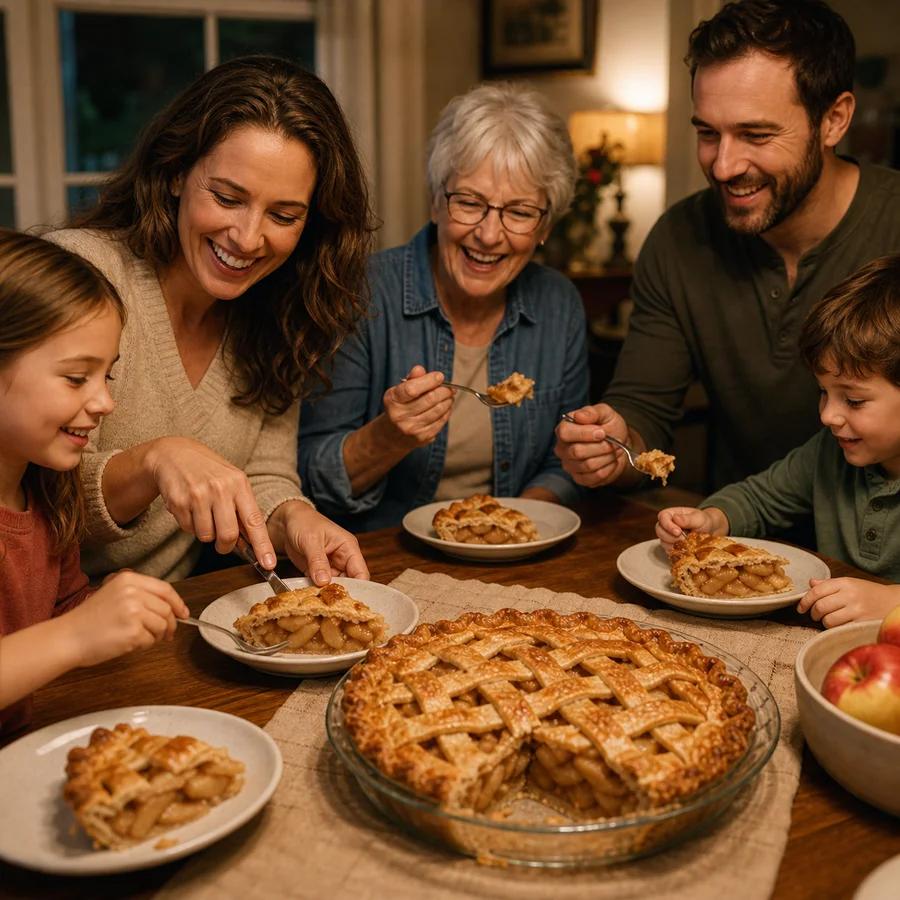
My version gets extra cinnamon and a darker bake. Same recipe, different kitchen.
Different kitchens, one family cookbook
Relatives add their favorites and their own versions, each with their own login.
Keep the story with the food
Add the birthday photo, the holiday note, and the tips that never made it onto the card.
Remember the cook
Every recipe keeps the name of the family member it came from.
How we compare
Other apps pile up recipes. Ours brings your family to the table.
Every recipe keeps the cook it came from, the stories behind it, and the traditions your family wants to pass on — in one cookbook everyone can add to.
What makes a family cookbook different
A login for every relative
Each person adds to the same cookbook from their own account — no shared password.
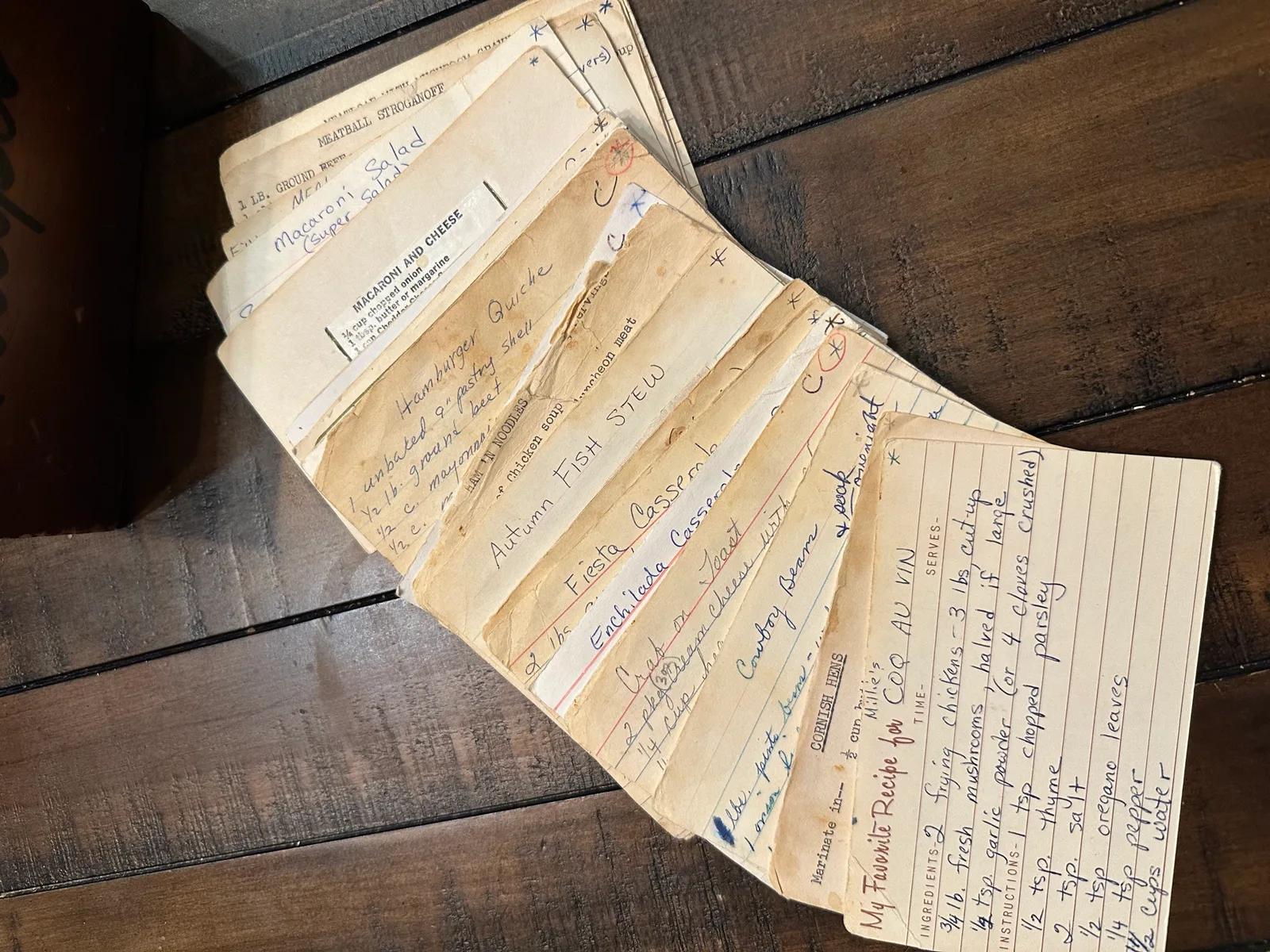
Scan a card and keep it with the recipe
The card photo stays with the transcribed recipe.
Memories from every relative
Photos, notes, and stories on each recipe, each under the name of whoever added it.
Family videos on the recipe
Add a TikTok, YouTube, or Vimeo video to a recipe or a memory, and watch it right there.
Credit the family cook
Each recipe shows who in the family it came from.
Order a printed family cookbook
A bound book of your recipes, with contributors and family stories.
Compare cooking tools
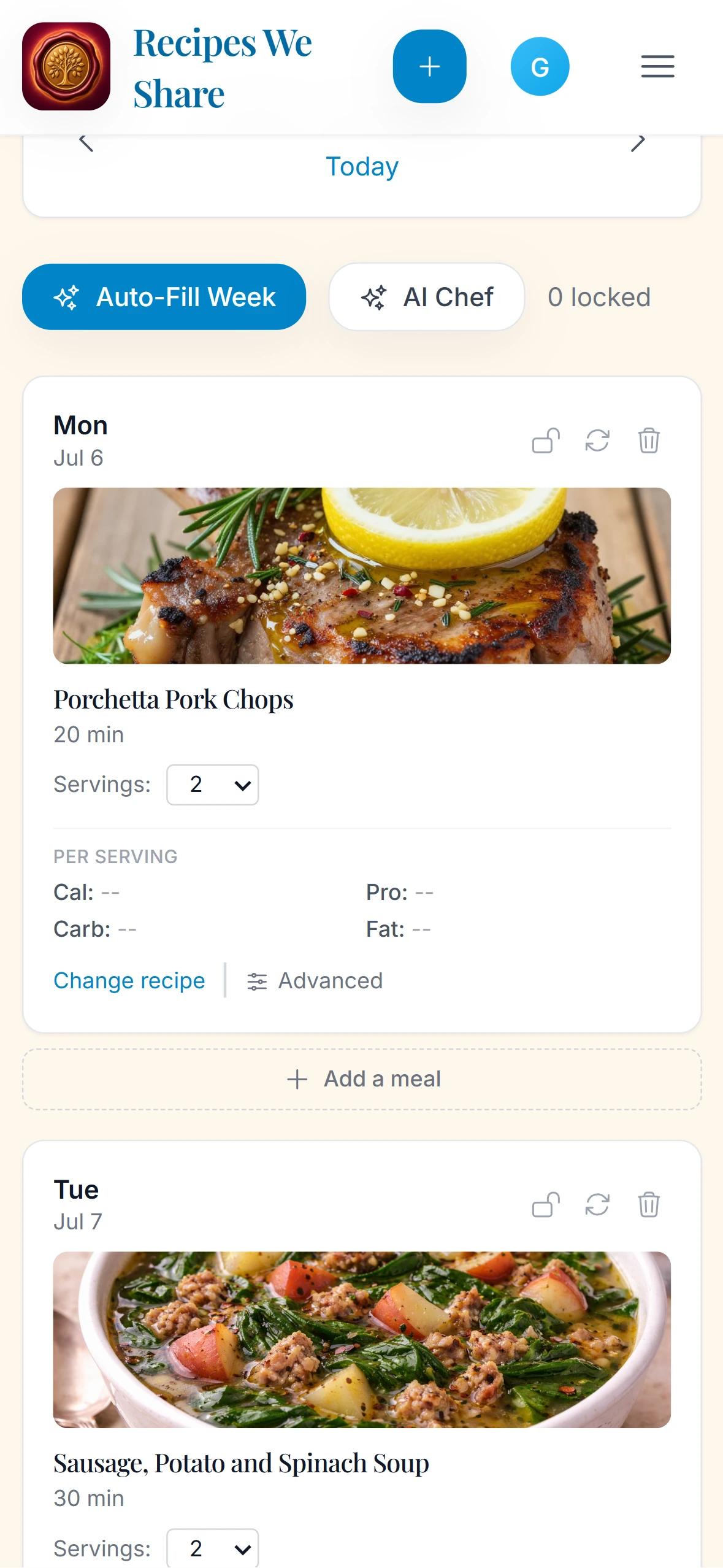
Plan the week from your own recipes
From the recipes your family already trusts.
Grocery list from the plan
One list for the whole week.
| Capability | Recipes We Share | Paprika | Recipe Keeper |
|---|---|---|---|
| What makes a family cookbook different | |||
| A login for every relativeEach person adds to the same cookbook from their own account — no shared password. | Yes | No | No |
| Scan a card and keep it with the recipeThe card photo stays with the transcribed recipe. | Yes | No | Partial |
| Memories from every relativePhotos, notes, and stories on each recipe, each under the name of whoever added it. | Yes | No | No |
| Family videos on the recipeAdd a TikTok, YouTube, or Vimeo video to a recipe or a memory, and watch it right there. | Yes | No | Partial |
| Credit the family cookEach recipe shows who in the family it came from. | Yes | Partial | Partial |
| Order a printed family cookbookA bound book of your recipes, with contributors and family stories. | Yes | No | No |
| Cooking tools | |||
| Plan the week from your own recipesFrom the recipes your family already trusts. | Yes | Yes | Yes |
| Grocery list from the planOne list for the whole week. | Yes | Yes | Yes |
Yes = included · Partial = limited · No = not offered. Based on each company's published product information, September 2026.
Keep family recipes in the kitchen, not just in storage
Plan the week, shop, and keep the photos and stories that make it family history. Nothing scattered. Nothing lost.
Why we built it
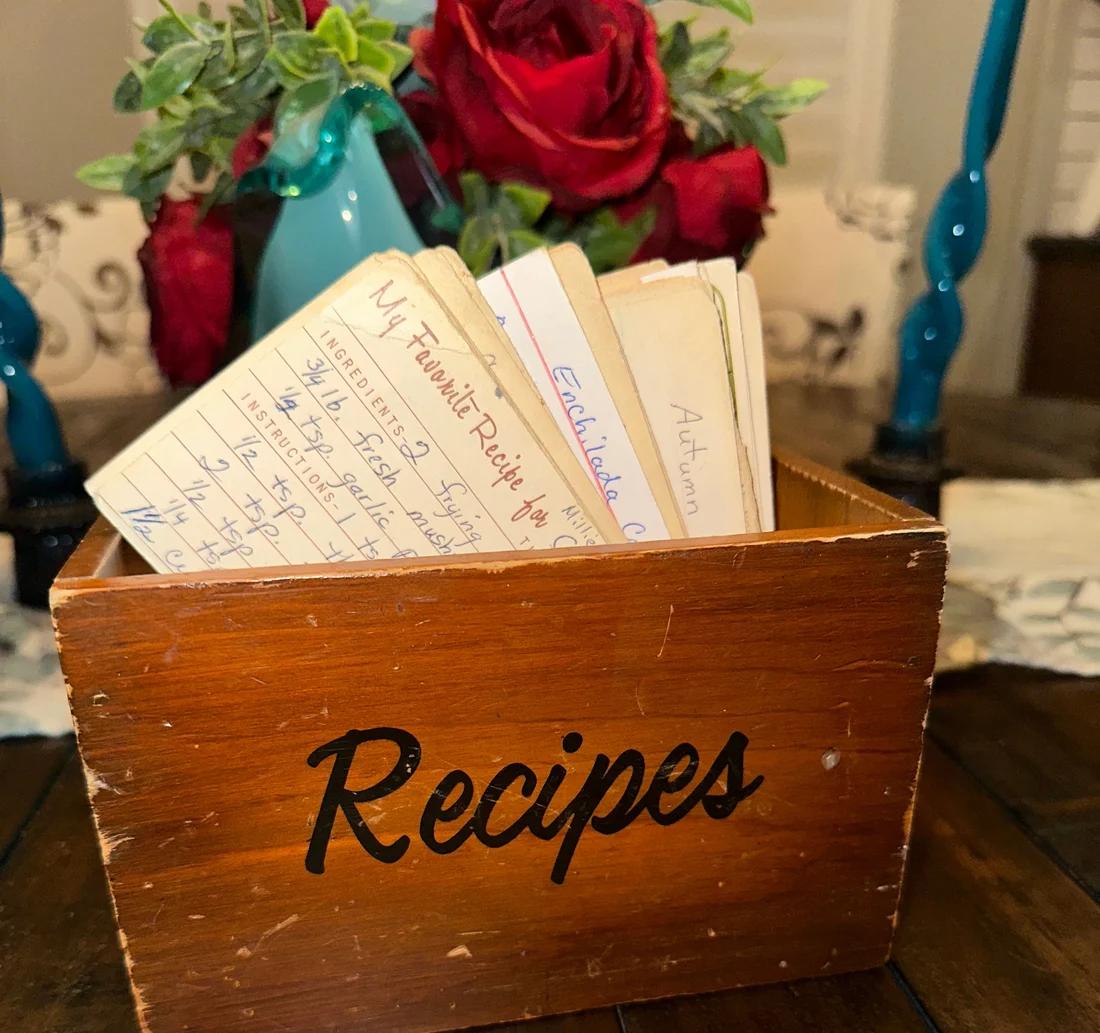
It started with a recipe box.
A family recipe box inspired Recipes We Share—a place to keep the recipe, the original card, and the family history around it together.
Your family's recipes stay in the family
- Private by defaultOnly the people you invite can see your family cookbook.
- Never sold to advertisersWe never sell your data or share your recipes with advertisers.
- Your original card stays with the recipeThe photo you uploaded stays attached, however the recipe text is edited.
How do I digitize handwritten recipes without retyping them?
You can photograph recipe cards, cookbook pages, or PDFs, then let Recipes We Share extract the ingredients and steps into an editable digital recipe card.
What is the best way to preserve family recipes for future generations?
The safest approach is to digitize the recipe, save the original image, add the story behind it, and keep everything in one shared family cookbook instead of scattered photos or group chats.
Can multiple family members use the same family cookbook app?
Yes. Recipes We Share is built around shared households, so relatives can log in with their own accounts and access the same recipe archive, memories, and collections.
Can I scan recipe cards with my phone?
Yes. The app is mobile-friendly and supports direct phone uploads, so you can capture recipe cards from your kitchen drawer, binder, or cookbook shelf without special hardware.
How is Recipes We Share different from a regular recipe app?
Recipes We Share is built around private family preservation, not just recipe storage. It keeps the original source image, cleaned recipe, notes, memories, comments, and household access together in one family cookbook.
Why not just keep recipes in photos, notes, or shared folders?
Photos, notes, and folders are useful for temporary storage, but they can become hard to search, easy to duplicate, and disconnected from family context. Recipes We Share turns those sources into organized recipes while preserving the original image and story.
Can family members use their own accounts?
Yes. Each relative can use their own account to contribute to one private family cookbook. One subscription covers the family members included in your plan—no separate subscriptions needed.
Does each family member need to buy a subscription?
No. Invited family members do not need to buy their own subscriptions. Choose a plan with a member limit that fits your family size.
Start with one recipe your family loves
Save a recipe. Share a tradition.
Free plan · No credit card · iPhone and web